Showing posts with label Get Windows 10. Show all posts

Thursday, September 15, 2016

Windows 10 Anniversary Update Rollout Will Finish in November


Microsoft started rolling out the much-talked about Windows 10 Anniversary Update from August 2. However, many users still haven't received a notification on their systems about the update. Now, fresh information comes in stating that the update may not be done rolling out until early November.

Microsoft did inform at the time of initial rollout that the update would be in phases because of the volume of devices running on Windows 10, but the exact time period wasn't specified. Now, ZDNet reports that it received a blast email from Microsoft that in a footnote revealed the update will take three months to roll out to all users - which would mean by November 2. As of June, Windows 10 is estimated to have been installed on around 300 million machines around the world, and all of these machines are set to get an upgrade.


This should provide some clarity to all those Windows 10 users who haven't received the update.

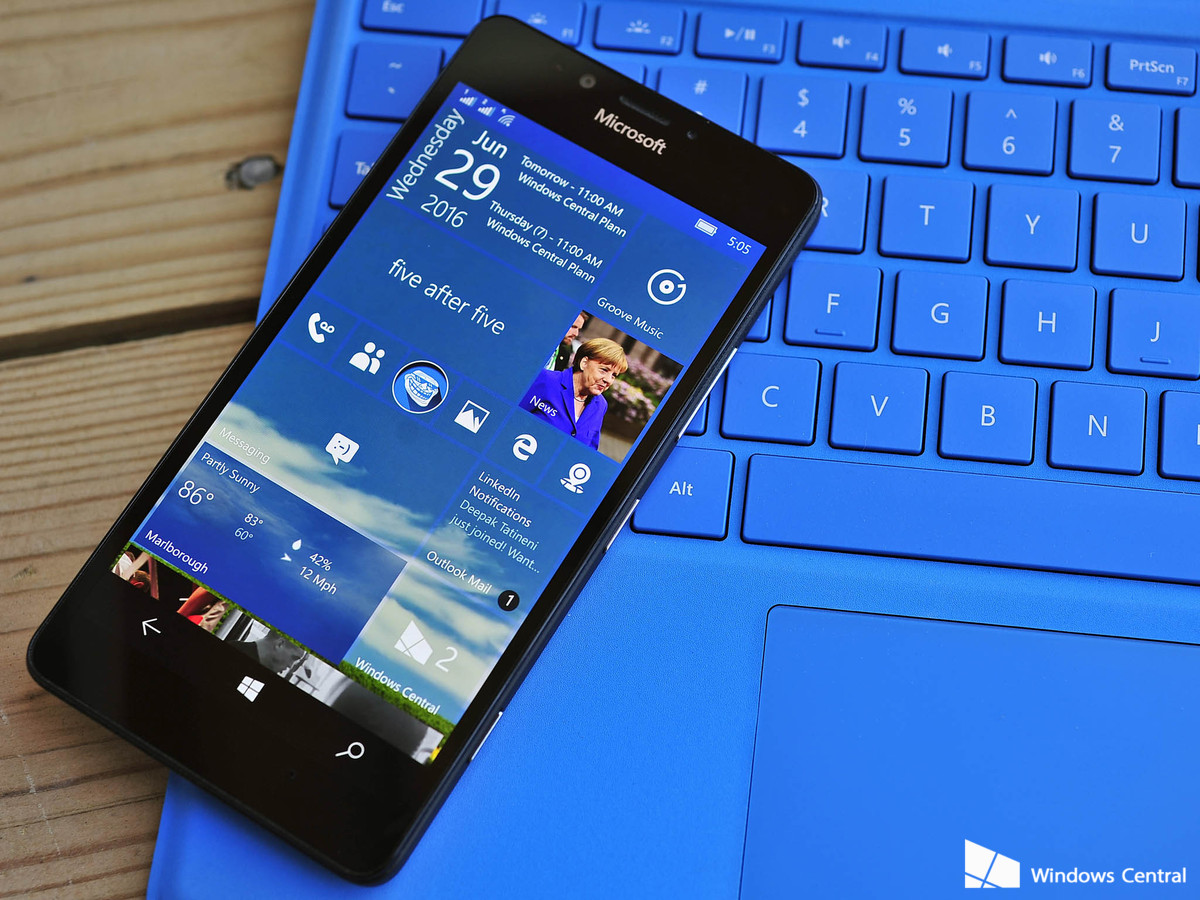
Microsoft Windows 10 Mobile Anniversary Update was expected to release alongside the desktop update, but that didn't happen. Instead, it released much later and brought along minimalistic changes.

Do Subscribe on YouTube!
Follow Me on Twitter>>> @iamBhavish
And like us on Facebook>>> The Gud1

Tuesday, August 16, 2016

Windows 10 Mobile Anniversary Update Starts Rolling Out.


Earlier this month, Microsoft started rolling out its much anticipated Windows 10 Anniversary Update for computers and tablets running Windows 10. It was expected that devices running Windows 10 Mobile will get their Anniversary Update soon, however that did not transpire. On Tuesday, almost two weeks later, the Redmond-based company has finally started rolling out the Windows 10 Mobile Anniversary Update to eligible devices.

Last week, Dona Sarkar, head of the Windows Insider Program, announced that Microsoft's team was "laser-focused" on preparing the rollout for the Anniversary Update for devices running Windows 10 Mobile and claimed that it was "almost ready" with the update. Now, the update has started rolling out and will be first made available to the unlocked devices.

Windows 10 Anniversary Update rollout, as the company has mentioned in its official blog, might vary with the "manufacturer, model, country or region, mobile operator or service provider, hardware limitations and other factors."


In order to manually check for the update on your device, you need to swipe over to the All apps list, then head to Settings > Update & security > Phone update > Check for updates.

For all personal Windows 10 users, they can also get the update manually installed by following the steps mentioned here, while those who own a Windows 10 PC at work need to ask their administrators on how they plan to update.

The Anniversary Update on Windows 10 Mobile does not bring as many changes as it does on its PC counterpart but does include notable changes in notifications as well as an added Skype app built on Universal Windows Platform.


Do Subscribe on YouTube!
Follow Me on Twitter>>> @iamBhavish
And like us on Facebook>>> The Gud1